Art Development: Rosebuds and the Gimp Colorize Tool
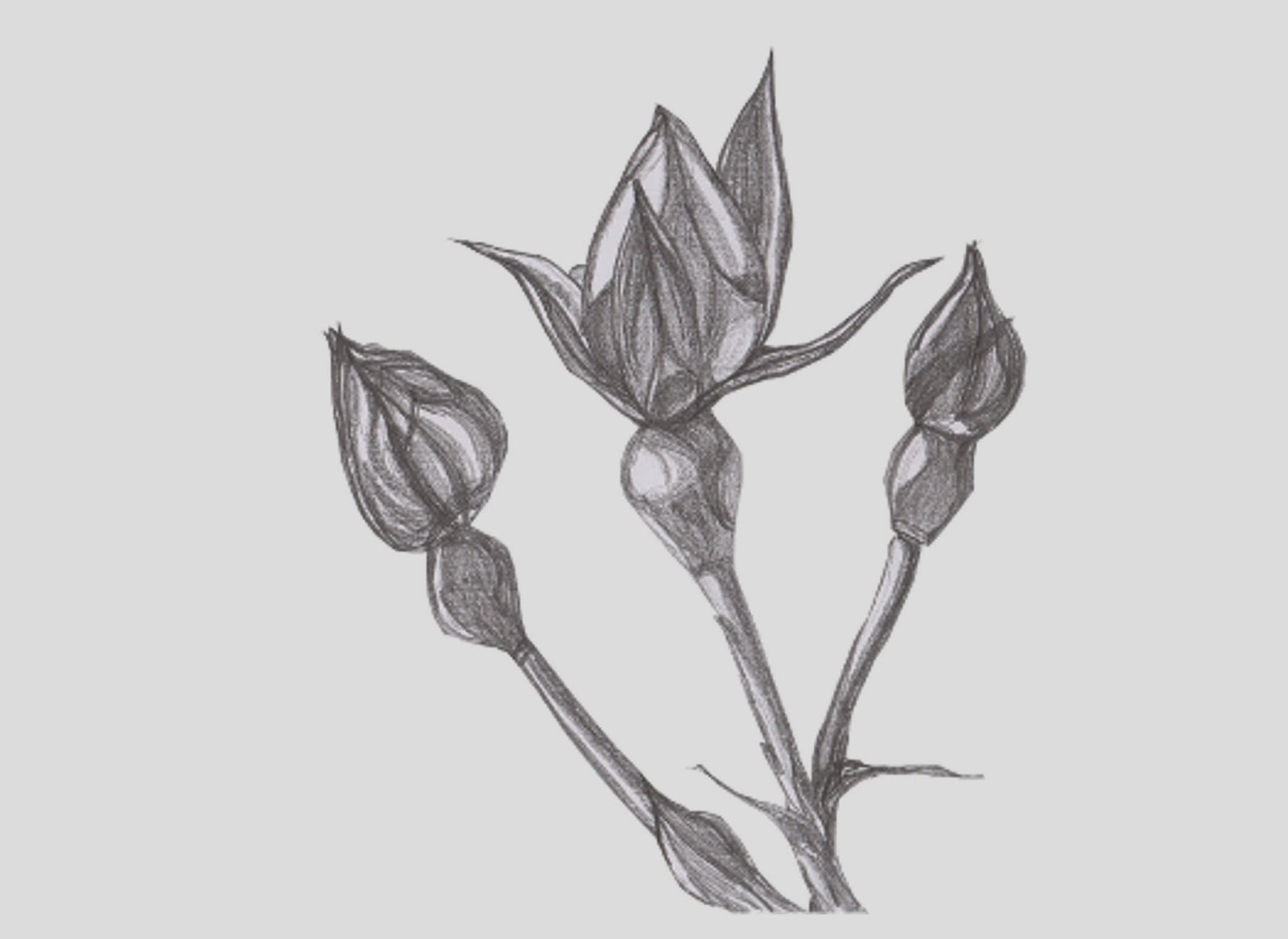
One of the things I was curious about was how to insert different backgrounds into an image once I had isolated it... and I wanted to see what some of the effects in Gimp did when used as backgrounds. Last week, I explored the Blend and Bucket Fill tools in the Toolbox dock, and the Difference Clouds and Plasma effects under the Render-Clouds option in the Filters drop-down. This week, I wanted to look at some of what might be done with the Colorize option under the Colors tab. BEFORE: What you Need: I usually have the following dockable dialogues visible as I work: Toolbox, Brushes,Tool Options and Layers-Gradients. You will need to be able to see these to work through the following steps. I have assumed that you already know how to resize an image using the drop-down menu under image. Please let me know if you don't, and I will write another post to explain it. How to Colorize an Image Background: Make sure you have a coloured background. (I used my P...