Posts

Showing posts with the label art development

Art Journal: Rosebuds Applying Green

Image
Last week, while listening to downloaded lectures, I added more green to my rosebuds, using the techniques described on the 6th. I will be moving all how-to-dos for Gimp over to my art blog, and posting a summary of pics here on the Thursday of each week. This is what I achieved this week: On Monday, March 3, after work: And on Friday, March 7, after work: What can I say? I need more practice, but I will get better... if I can make enough time to practice.
Art Development: Rosebuds and the Gimp Colorize Tool

Image
One of the things I was curious about was how to insert different backgrounds into an image once I had isolated it... and I wanted to see what some of the effects in Gimp did when used as backgrounds. Last week, I explored the Blend and Bucket Fill tools in the Toolbox dock, and the Difference Clouds and Plasma effects under the Render-Clouds option in the Filters drop-down. This week, I wanted to look at some of what might be done with the Colorize option under the Colors tab. BEFORE: What you Need: I usually have the following dockable dialogues visible as I work: Toolbox, Brushes,Tool Options and Layers-Gradients. You will need to be able to see these to work through the following steps. I have assumed that you already know how to resize an image using the drop-down menu under image. Please let me know if you don't, and I will write another post to explain it. How to Colorize an Image Background: Make sure you have a coloured background. (I used my P...

Art Development: Rosebuds and Gimp Manipulation - Isolating an Image

Image
One of the things I recognised is that I would need to digitise my artwork in order to incorporate it into books, or to ship it to anyone interested in purchasing it... should I ever get good enough, and that reminded me that there are programs out there that are quite powerful, but not so intuitive to use. Gimp, for instance, is free, but has its own quirks. I decided I would try to get my head around what this tool could do... or, perhaps, what I could manage to achieve with the tool. I wanted to isolate the rosebuds from the background clutter by cutting them out. This is done using the 'Free Select Tool'. This is not as easy as it seems, because the clipboard will only take 525x525 pixels. There was much cussing and crying until I worked out I had to shrink the longest edge of the image to 525 BEFORE I began my cut. Of course, the trickiest thing is to remember to write down the original dimensions of the picture and then return the finalised image to the original size....

Art Development: Rosebuds

Image
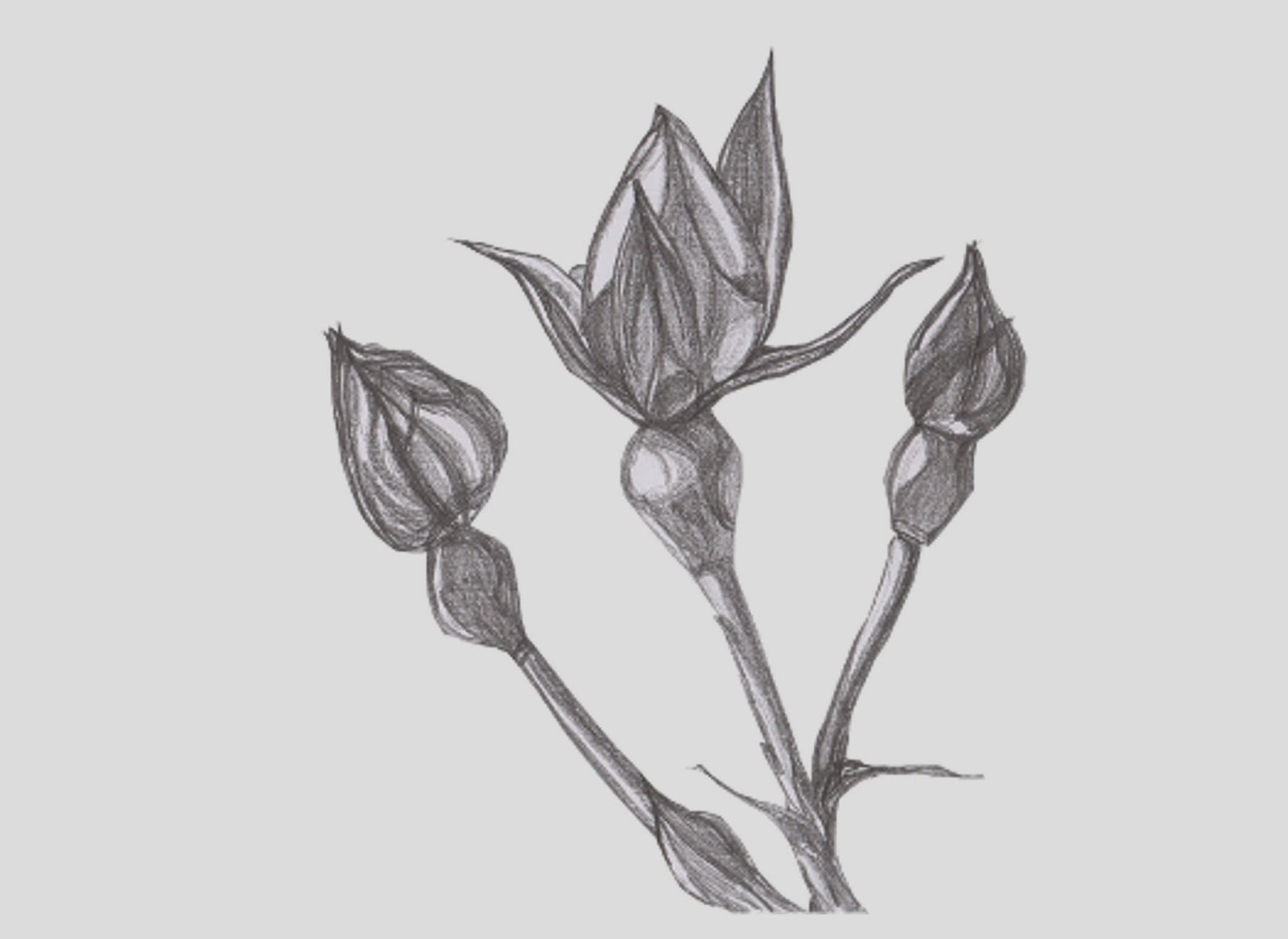
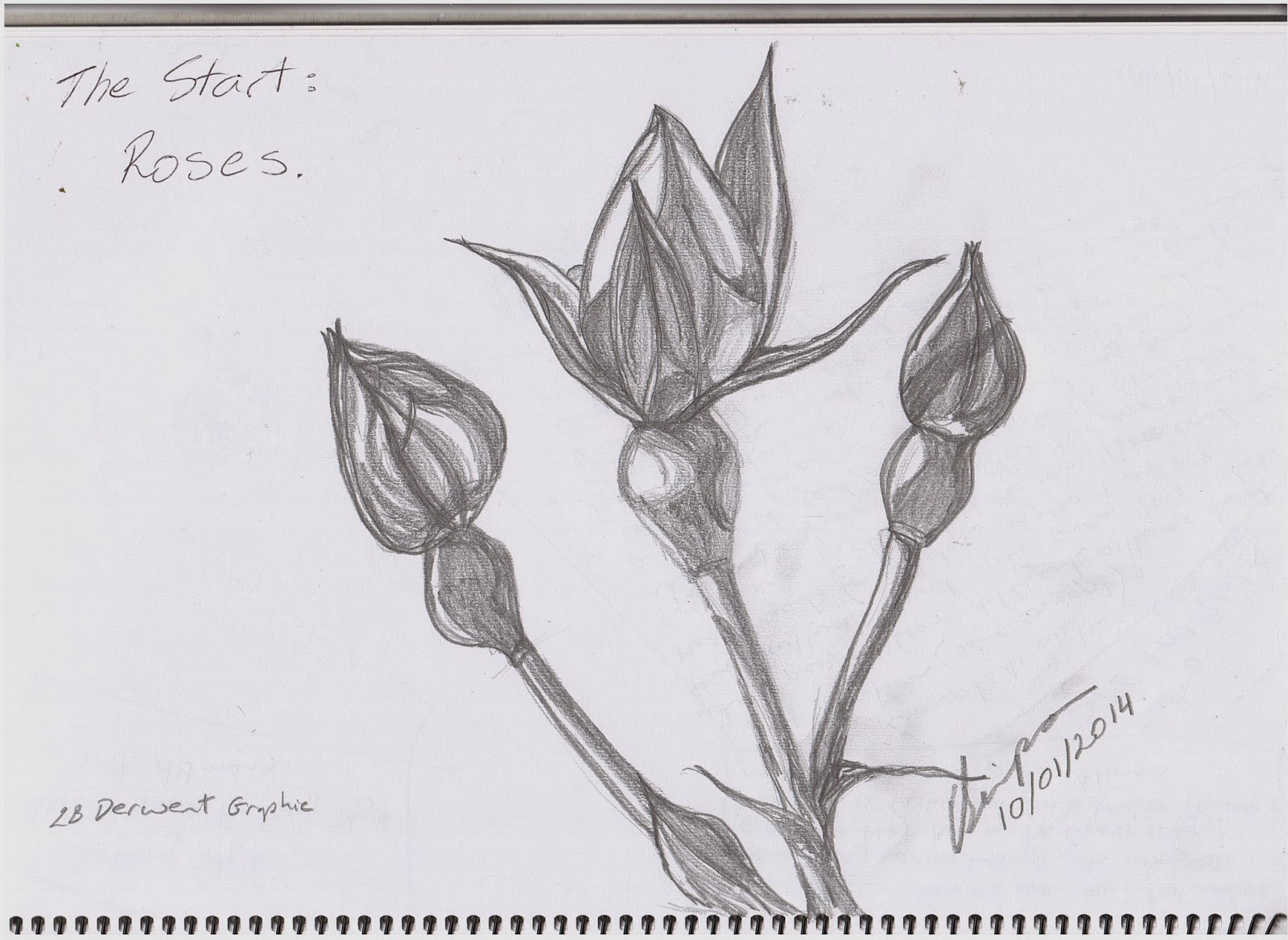
So, for a very long time I've been saying I'm going to re-develop my drawing skills. I *did* make a start on it in January, but I still haven't managed to coordinate the time factor to really get into it. That's going to be a challenge this year, but we'll see how it goes. It only took a month to start pulling the writing schedule into a vague sense of shape. In the meantime, I started with still life and grey lead to get the feel of it again. Here is my first picture in far too many years.